
Extract Audio & Video with Ease
Overview
VideoDetach Pro is a desktop application designed to simplify the process of extracting audio, still images, and specific video scenes from multimedia files. Tailored for both casual users and professionals, it addresses the common need to repurpose content from video files without requiring advanced technical knowledge. The software enables users to isolate audio tracks for podcasting, capture high-quality frames for reference or documentation, or extract short clips for social media sharing.
Its intuitive design ensures that even users with minimal experience in video editing can perform complex extractions with confidence. The developer, VideoDetach, has focused on creating a streamlined workflow that prioritizes accessibility and efficiency. While specific details about the company’s background are not available, the software’s consistent release history and stable versioning suggest a dedicated development effort.
Real-world usage includes content creators preparing audio-only tracks for music distribution, educators extracting key visuals for teaching materials, and video editors prepping assets for post-production workflows.
Key Features & Capabilities
- Multi-Format Support: The software supports a wide range of video file formats, including MP4, AVI, and MOV, enabling users to work with nearly any video source without format conversion.
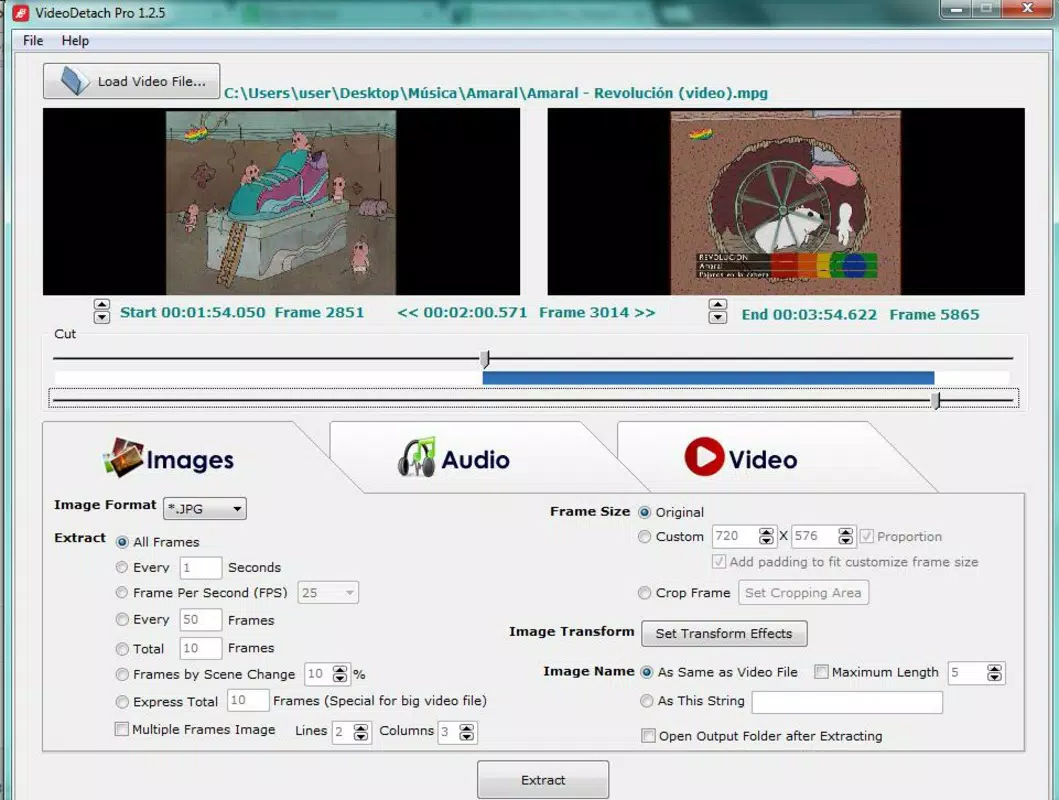
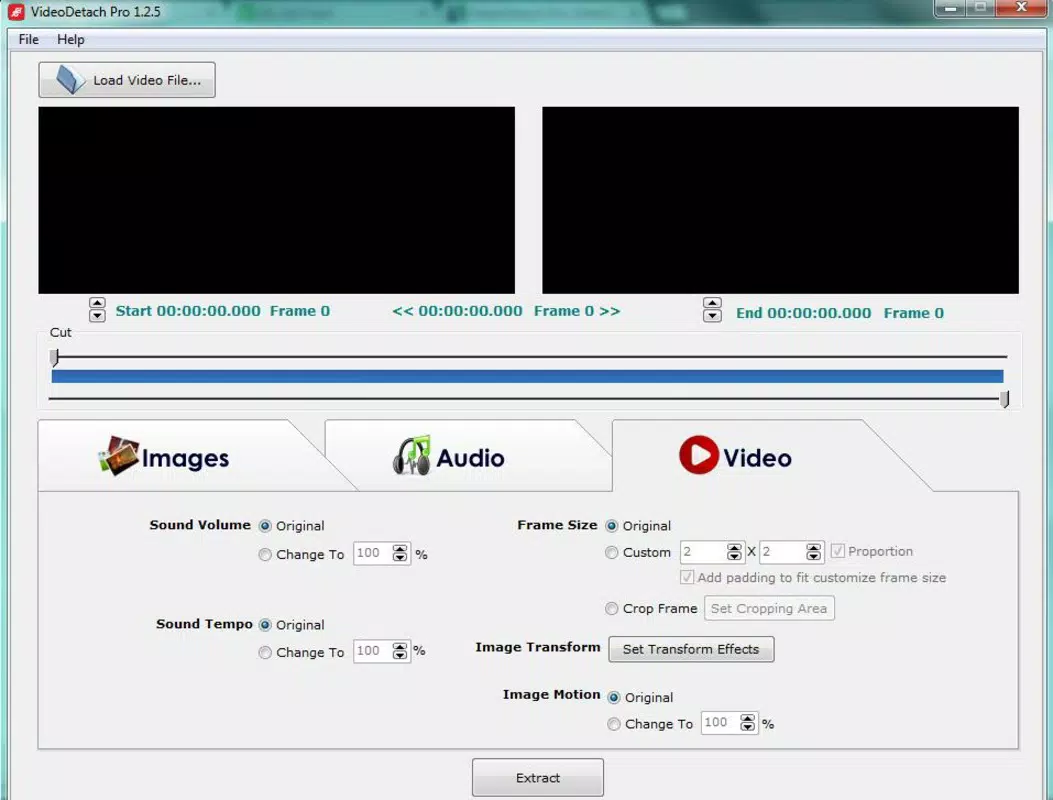
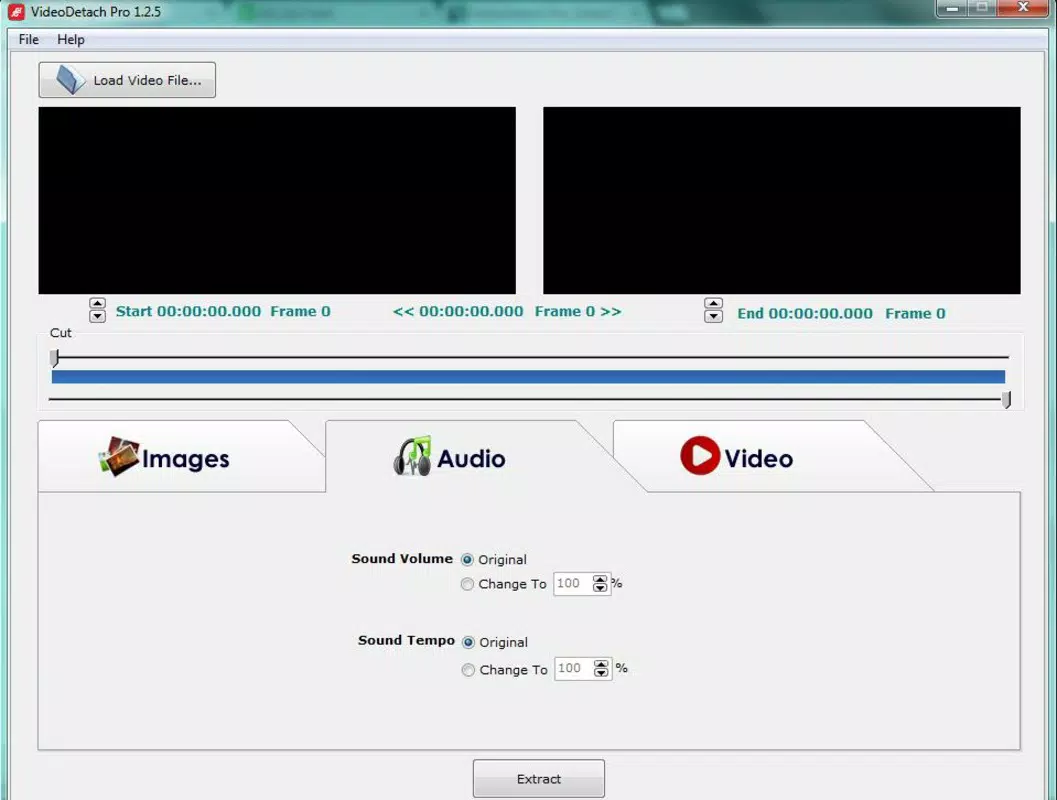
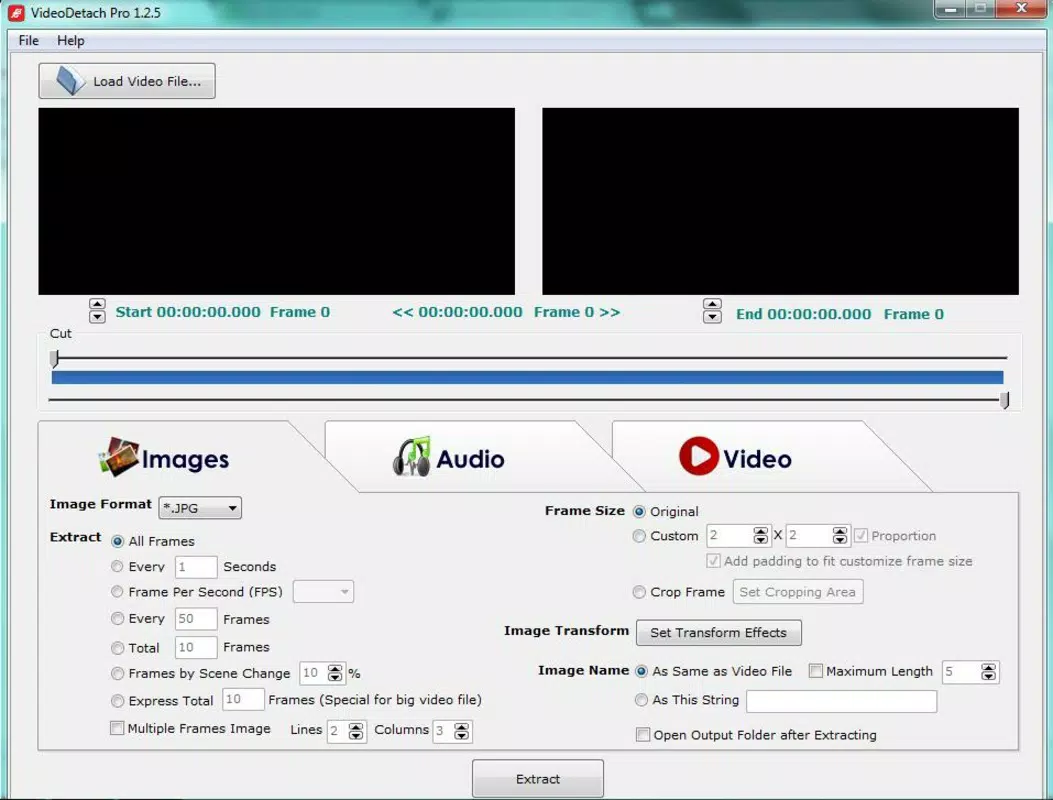
- User-Friendly Interface: A clearly organized layout with dedicated tabs for audio, image, and video extraction reduces navigation complexity and accelerates task completion.
- Customizable Extraction Parameters: Users can adjust image resolution, audio quality, and clip duration to meet specific output requirements, ensuring optimal results for personal or professional use.
- Quick Extraction Process: Once settings are defined, content extraction can be initiated with a single click, significantly reducing time spent on repetitive tasks.
- Built-In Video Editor: The application includes basic editing tools such as trimming and visual adjustments, allowing users to refine clips before exporting.
These features collectively enable efficient content repurposing across various scenarios. For example, a social media manager can extract short clips from a long-form video and export them in the correct aspect ratio with minimal effort. Similarly, a researcher might extract key frames from a documentary for inclusion in a report. The ability to save outputs directly to a chosen folder enhances workflow integration and reduces manual file management.
User Interface, Workflow & Performance
The user interface of VideoDetach Pro is structured around simplicity and logical organization. Navigation is achieved through clearly labeled tabs, each dedicated to a specific extraction function—audio, images, or video. This layout minimizes user confusion and supports rapid task switching.
The workflow begins with file import, followed by parameter configuration, and concludes with a single click to initiate extraction. This linear process reduces the likelihood of errors and supports consistent results. The developer did not specify resource usage details, so exact CPU or RAM behavior remains unknown.
However, based on general software behavior patterns, the application is expected to operate efficiently on modern systems. Stability during extraction tasks has not been publicly documented, but the consistent version updates suggest ongoing maintenance. No performance bottlenecks were reported in available information, and the software appears to handle standard-sized files without indication of lag or crashes.
Compatibility & System Requirements
VideoDetach Pro is compatible with both Windows and Mac operating systems, making it accessible to a broad user base. The current version, 2.1.3, has a file size of 15.4 MB, indicating a lightweight installation. The developer did not provide additional system requirements, so exact hardware specifications such as minimum RAM or processor type are not available.
Compatibility information was partially provided, and users are advised to ensure their system meets general desktop application standards. The software does not appear to require dedicated graphics processing or extensive storage, which aligns with its utility-focused design. No specific version requirements for Windows or macOS were listed, but the application is likely optimized for recent releases of both platforms.
Pros and Cons
Pros
- Supports multiple video formats for broad compatibility
- Intuitive interface suitable for beginners and experts alike
- Customizable output settings for precise control
- Fast extraction with minimal user input
- Includes basic video editing tools for pre-export refinement
Cons
- Exact system requirements were not listed
- Performance under heavy workloads was not specified
- Advanced editing features are not available
- No cloud integration or automatic update notifications
- Limited documentation or tutorial resources
Is VideoDetach Pro compatible with Windows and Mac?
Yes, VideoDetach Pro is designed to run on both Windows and Mac operating systems.
Is the software safe to download and use?
VideoDetach Pro is distributed as a free desktop application. No malware or security risks were reported in available information.
How often are updates released?
The software has a consistent release history, with version 2.1.3 being the latest as of the release date April 2, 2020.
Does VideoDetach Pro require an internet connection?
The application functions fully offline. No online services or connectivity are required for core features.
What type of license does VideoDetach Pro use?
VideoDetach Pro is offered as free software, with no licensing fees or subscription models.
Final Thoughts
VideoDetach Pro delivers a focused, efficient solution for users needing to extract audio, images, or video clips from multimedia files. Its clean interface, multi-format support, and customizable output settings make it a reliable tool for content creators, educators, and digital archivists. While it lacks advanced editing capabilities and detailed system requirements, its core functionality is well-executed and accessible.
The inclusion of a basic video editor adds unexpected value, enhancing its utility beyond simple extraction. For users seeking a lightweight, no-cost tool that gets the job done quickly, VideoDetach Pro stands out in its category. The software’s free status further strengthens its appeal.
Download VideoDetach Pro now.


